
When attempting to log into your PaymentWorks account, you might encounter the following error message:
"It looks as if you may be logged in as two different users in separate tabs."
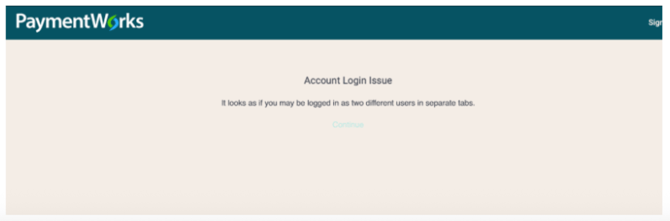
This error typically occurs when multiple sessions are active simultaneously, causing conflicts within the browser.
Steps to Resolve:
-
Open a New Incognito Window in Google Chrome:
- Click the three-dot menu in the top-right corner of Chrome.
- Select "New Incognito Window" from the dropdown.
- Alternatively, use the keyboard shortcut:
- Windows/Linux/Chrome OS: Press
Ctrl + Shift + N - Mac: Press
⌘ + Shift + N
- Windows/Linux/Chrome OS: Press
-
Access PaymentWorks:
- In the new incognito window, navigate to: https://www.paymentworks.com/df/accounts/login/
-
Log In:
- Enter your email address as your username.
- Input your password.
- If you've forgotten your password, click "Forgot Password" on the login page to receive a reset email.
Additional Tips:
-
Clear Browser Cache and Cookies: Residual data can sometimes cause login issues. Clearing your cache and cookies may help resolve the problem.
-
Ensure Single Session: Avoid having multiple tabs or windows open with active PaymentWorks sessions to prevent session conflicts.
If the issue persists after following these steps, please contact PaymentWorks Support for further assistance.